IPTV on Your Favorite Devices
StreamGermany4K is device-agnostic: Whether on Smart TVs, streaming sticks, smartphones, or computers – with a compatible player app and your login details, you can stream Live TV, sports, and movies in 4K/HD.
Supported Hardware Categories

Smart TV
Samsung (Tizen), LG (webOS), Sony, Philips, and Hisense: Most smart televisions run IPTV apps downloaded directly from their app stores.
IPTV on Samsung Smart TV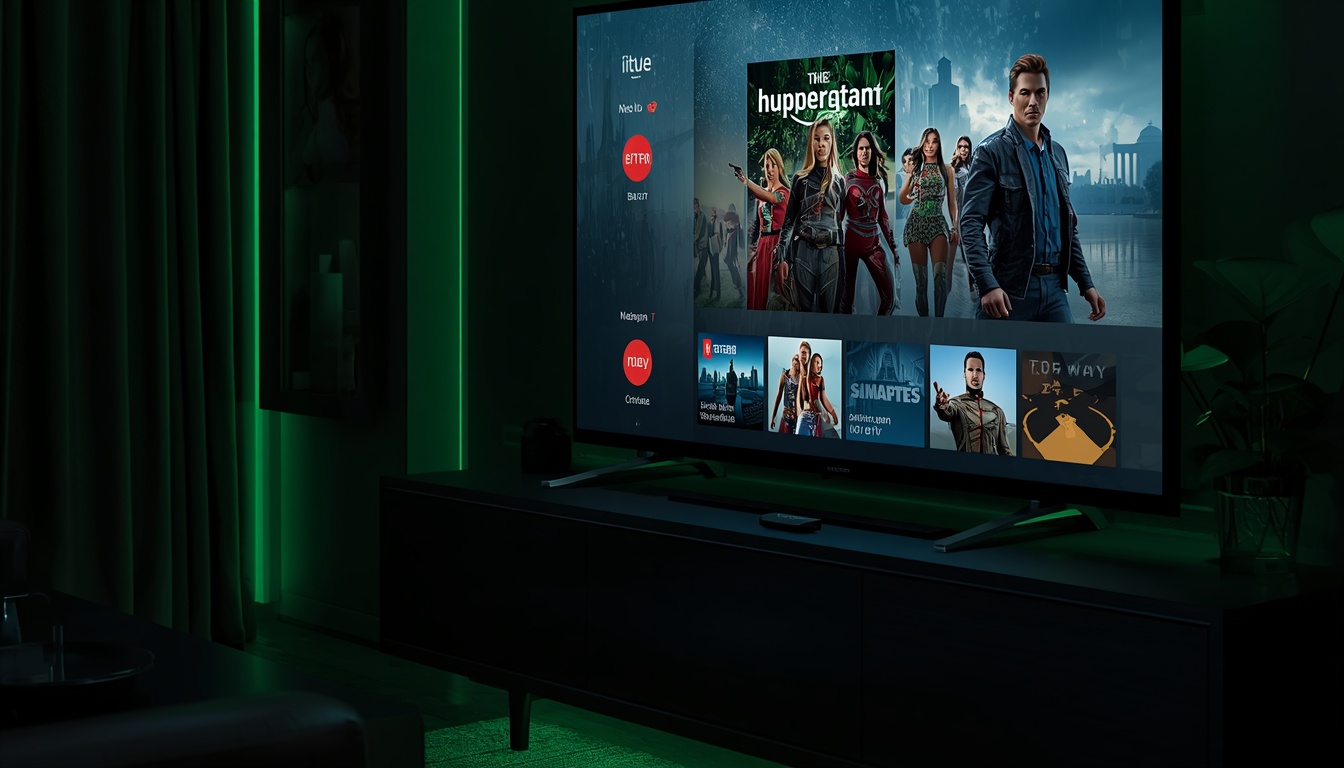
Streaming Sticks & Boxes
Amazon Fire TV Stick, Apple TV, Android/Google TV devices, NVIDIA Shield, and Android TV boxes upgrade any display into an IPTV hub.
IPTV on Fire TV Stick
Smartphones & Tablets
Stream on iPhone, iPad, and Android smartphones and tablets using compatible player apps from the App Store and Google Play.
IPTV on Apple Devices
Computers & Laptops
Watch on Windows and macOS using IPTV player software or web players – ideal for desktop and laptop setups.
How IPTV Works on Any Device
1. Install IPTV App
Download a compatible IPTV player application from your device's official app store.
2. Enter Credentials
Input your StreamGermany4K login credentials into the app – configuration takes just a few minutes.
3. Start Streaming
Enjoy live TV channels, sports, and movies in 4K/HD – at home or on the go.
Dedicated device guides: Fire TV Stick • Samsung Smart TV • LG Smart TV • Apple TV & iOS • Android TV & Boxes. Explore our recommended apps in Best IPTV Apps. Ready to order? Visit Buy IPTV to get your credentials.
Devices & Setup FAQ
Which devices support StreamGermany4K?+
All common devices with an IPTV player app: Smart TVs (Samsung, LG, Sony, Philips), Amazon Fire TV Stick, Apple TV, Android/Google TV, Android boxes, iPhone/iPad, Android phones, Windows PCs, and macOS.
Do I need special hardware?+
No special equipment is required. Any compatible device with an IPTV app and stable internet connection is sufficient.
How many devices can stream concurrently?+
The number of simultaneous streams depends on your selected plan. View our Pricing Page for specific details.
What helps reduce buffering on streaming devices?+
Use an Ethernet cable or strong 5 GHz Wi-Fi, restart the app and device, and ensure sufficient broadband speed for 4K streams.