IPTV on the Amazon Fire TV Stick
The Amazon Fire TV Stick is one of the most accessible ways to bring IPTV to any television: affordable, compact, and quick to set up. Since Fire OS is based on Android, popular IPTV player apps can be installed directly from the Appstore or sideloaded.
Here is how to set up StreamGermany4K on your Fire TV Stick step by step, with practical quality and troubleshooting tips.
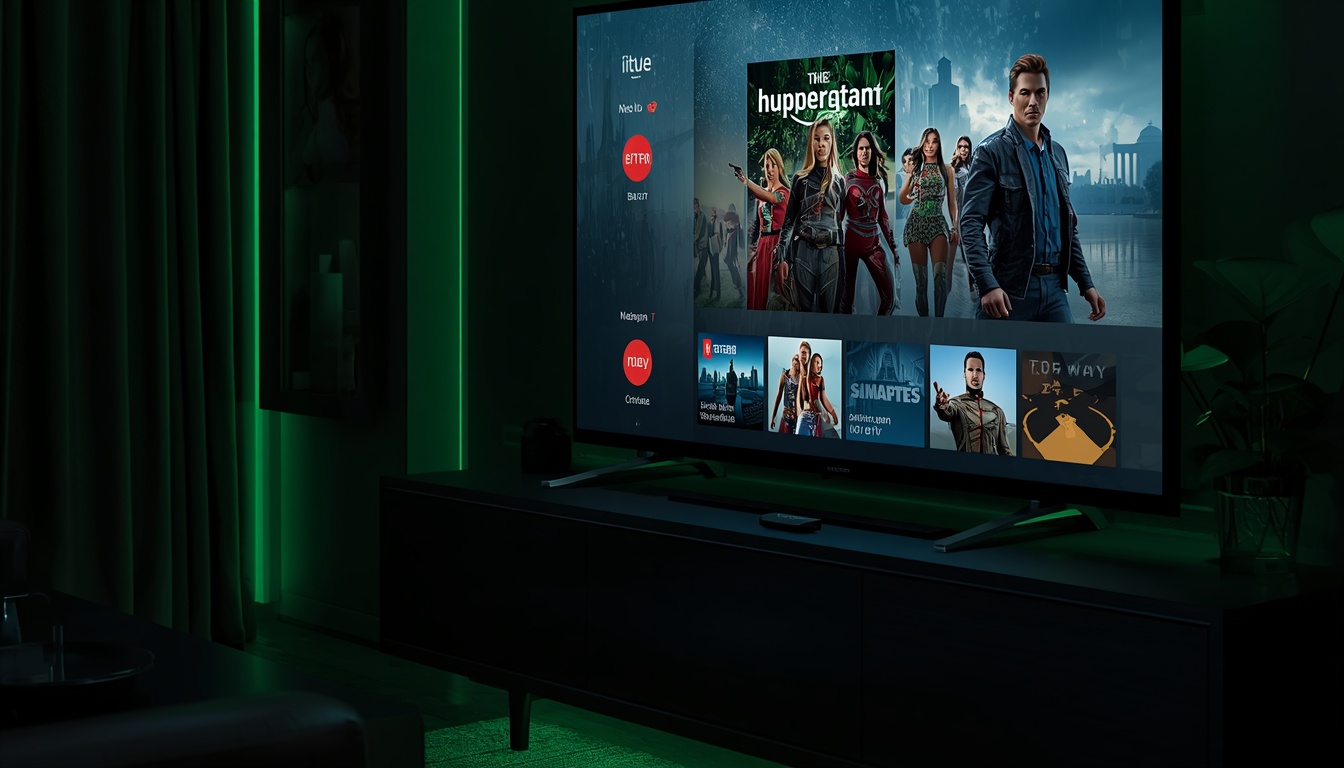
Hardware Compatibility
Fire TV Stick (Lite), Fire TV Stick 4K, 4K Max, and Fire TV Cube – all running Fire OS. A steady internet connection is recommended; an optional Ethernet adapter provides the best stability.
Setup in 3 Simple Steps
1. Install IPTV App
Open the Amazon Appstore and search for a compatible IPTV player. If your preferred app is not listed, install it via the Downloader app (ensure developer options are enabled).
2. Enter Credentials
Launch the app and enter your StreamGermany4K login details (via M3U URL or Xtream API credentials). The app will load your channel list and EPG guide.
3. Stream in 4K/HD
Select a channel and enjoy live TV, sports, or movies. 4K playback is supported on Fire TV Stick 4K and 4K Max models.
Troubleshooting & Tips
- Buffering/stuttering: Verify your Wi-Fi signal (prefer 5 GHz) or use an optional Ethernet adapter for wired stability, and pause background downloads.
- App freezing: Restart the Fire TV device and clear the app cache in Fire OS Settings > Applications.
- No signal / channel error: Check credential expiration and refresh the M3U or Xtream playlist in the app settings.
- 4K playback issues: Ensure your television HDMI port supports HDCP 2.2 and your internet connection has sufficient bandwidth.
Explore other devices in our Devices Overview – such as IPTV on Samsung Smart TV.
Fire TV Stick IPTV FAQ
Which Fire TV models are supported?+
All models running Fire OS: Fire TV Stick (including Lite), Fire TV Stick 4K, 4K Max, and Fire TV Cube. 4K playback requires a 4K-capable hardware model.
How do I sideload an IPTV app not in the Appstore?+
Install the official 'Downloader' app from the Amazon Appstore, permit installation from unknown sources in Fire TV settings, and download the APK from the app provider's verified source.
Why might video stutter on Fire TV Sticks?+
Usually local wireless congestion. A 5 GHz Wi-Fi band or an Ethernet adapter provides significant stability improvements.